It delegates
The main chat never blocks. You keep talking; it hands each piece of work to a smaller agent with the notes and pointers it needs, then folds the results back in.
Arbos gives every project one long-lived agent that delegates the work, talks with you in full duplex, and keeps its state in files you can read, commit, and rewind.
Apple silicon and Intel · macOS 11 or newer · install steps
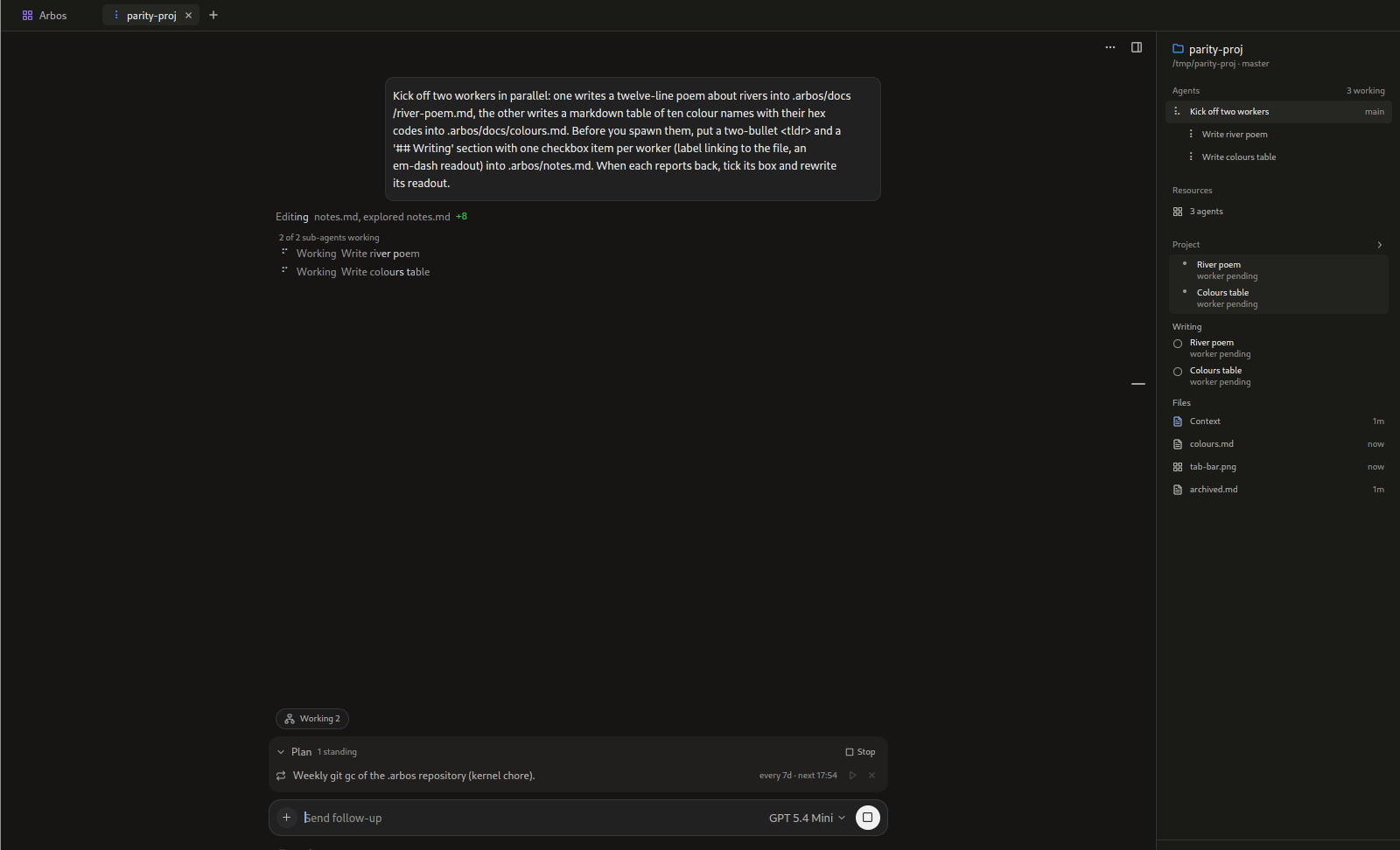
The main chat never blocks. You keep talking; it hands each piece of work to a smaller agent with the notes and pointers it needs, then folds the results back in.
Call your project from the desktop or your phone. Both sides speak and listen at the same time. Interrupt it mid-sentence, and it still hears you while it speaks.
Agents, plans, notes, and subscriptions are plain files in .arbos/. Read them, commit them with git, and rewind to any saved point.
Arbos talks to any model through OpenRouter by default; OpenAI-compatible endpoints work too. Everything else is on the Install page.